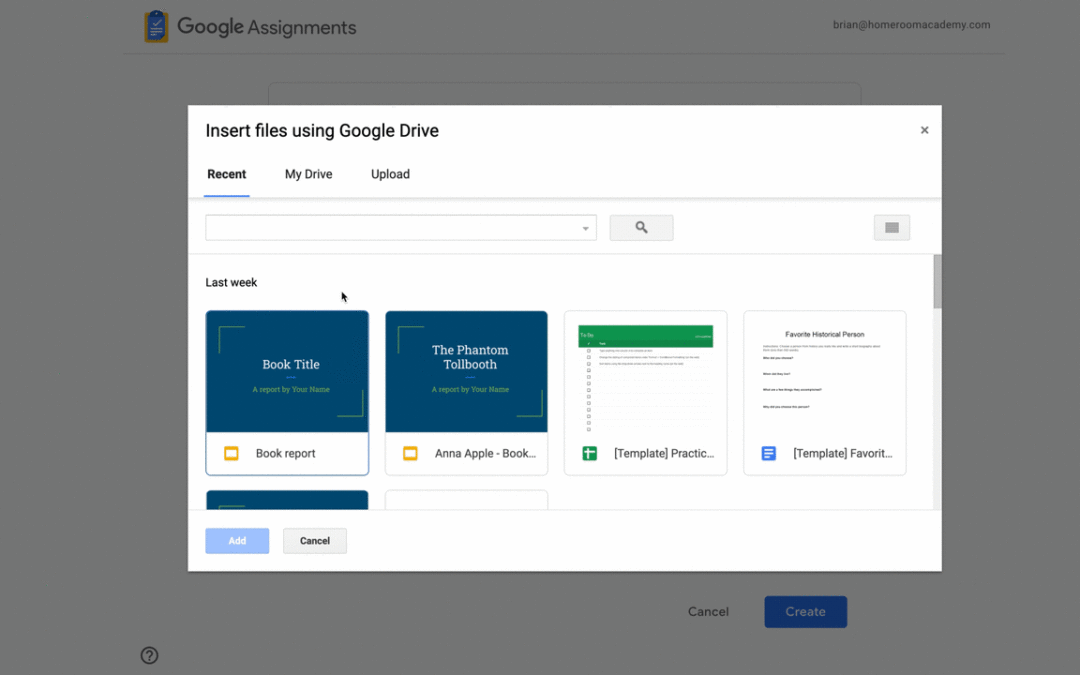
Canvas Speed Grader 또는 Google 과제 등급 매기기 선택합니다.
▶ Google 클래스룸 매뉴얼 : https://bit.ly/CSC-O01
▶ Google 클래스룸 기능 업데이트
Google Canvas Speed Grader 과제 이용하기
Google Assignments for Canvas에서 Google Assignments 또는 Canvas Speed Grader로 등급을 매기는 옵션이 추가되었습니다.
이 도구를 사용하면 교육자가 학생에게 개인화된 파일을 할당하고, 학생의 진행 중인 작업을 보고, 독창성 보고서를 사용하는 등 Google Assignments에서 이미 즐기고 있는 기능을 계속 사용할 수 있습니다. 교육자가 Canvas Speed Grader로 등급을 매길 경우, 등급 매길 때 주석과 오디오 및 비디오 의견을 활용할 수도 있습니다. Speed Grader를 선택하여 할당을 채점합니다.
Google Canvas Speed Grader 과제 이용하기
요청이 많은 이 기능은 Canvas 사용자에게 어떤 등급 인터페이스가 자신에게 가장 적합한지 결정할 때 선택할 수 있는 옵션을 제공합니다.
관리자: SpeedGrader를 사용하려면 Google Assignments(LTI 1.3)를 사용하도록 설정해야 합니다.
Availability
- Available to Google Workspace Education Fundamentals, Education Plus, Education Standard, and the Teaching and Learning Upgrade customers
- Not available to Google Workspace Essentials, Business Starter, Business Standard, Business Plus, Enterprise Essentials, Frontline, Nonprofits, and legacy G Suite Basic and Business customers
- Not available to users with personal Google Accounts
내용 : https://workspaceupdates.googleblog.com/2022/08/canvas-speed-grader.html